

How to Write a Product Comparison That Helps Readers Choose
A comparison article should help someone make a choice, not push every reader toward the item that pays the most commission. People arrive with a real question: which option fits my needs, budget, and constraints? A useful article makes those trade-offs easy to see and explains what the writer did—and did not—check.
This guide is for small publishers who compare tools, services, or products. It covers research, criteria, evidence, real testing, pricing, limitations, and affiliate disclosures. The same process works whether you compare note apps, coffee makers, or project management software.
Start with the reader’s decision
Before listing brands, write down the job the reader needs done. A student looking for a note app may care about offline access and simple search. A team buying project software may care about permissions and the cost of adding members. These readers need different comparisons even if the product names overlap.
Define the audience clearly and avoid pretending one product is best for everyone. Ask what a person must have, what would be nice, and what problems they cannot accept. This turns a generic list into a decision guide.
A practical opening question
Instead of “Which note app wins?”, ask “Which note app is easier for someone who moves between a phone and laptop and often works without internet?” That question gives the review a purpose. It also suggests what to test and which details to skip.

Choose criteria before looking for a winner
Write the comparison criteria before you score the products. Otherwise, you may unconsciously choose measures that favor a product you already like. Common criteria include setup time, core features, ease of use, accessibility, privacy, support, reliability, and total cost.
Keep the list short enough to matter. A reader may not need twenty rows of tiny feature differences. Five or six well-chosen measures can show the key trade-offs. Explain why each measure matters to the target audience.
Separate research from hands-on testing
Some facts can be verified through current official documents: pricing tiers, supported devices, warranty terms, and stated integrations. Other claims need actual use, such as whether a menu feels clear or how long setup takes. Be explicit about which source supports each conclusion.
Google’s guidance on high-quality reviews encourages evidence of experience, useful comparisons, and discussion of benefits and drawbacks. If you have not tested an item, do not claim you did. A well-researched feature comparison can still be useful if it is labeled honestly.
Describe your method in plain words
A short methods note might say: “We used each app for three days on a mid-range phone and laptop. We created the same five notes, tried offline access, and checked export options. Prices came from official plan pages on the review date.” That is more trustworthy than a vague “our experts tested everything” claim.

Test the tasks readers will actually do
A note app comparison could use three tasks: capture a quick idea, find a saved note, and move notes to another device. A kitchen blender comparison might involve making the same recipe and cleaning the jar. Choose tasks that reflect real use rather than a laboratory test that has little to do with a buyer’s day.
Record the conditions. A fast connection may hide offline problems. A powerful laptop may make every tool look smooth. You do not need expensive equipment, but explain the context so readers know how closely it matches their own.
Keep evidence for each finding
Save screenshots, photos, notes, and dated source links where allowed. If an app crashes during a test, record what happened and whether it was repeatable. One failure may be an anomaly. A pattern across several attempts is more meaningful. Do not turn a single bad moment into a universal claim.
For physical products, take photos that show scale and use. A picture of a blender beside common kitchen items may help with size. An image of a cleaning step may show whether a part is easy to remove. Avoid misleading staged scenes that imply a product did something it did not.
Check prices as a total cost
A low starting price can hide shipping, accessories, support limits, or renewal terms. For software, compare the cost at the number of users your audience needs. For a physical item, consider replacement parts, warranty, and delivery where relevant. Prices vary by market and date; make that clear to global readers.
Avoid hard-coded currency claims if the site serves many countries and the number changes often. Give the pricing model and a verified date, then direct readers to the official brand page through a named hyperlink. A reader should know what to check before purchase.
A simple total-cost example
Suppose Tool A costs 10 units per person each month and Tool B costs 15 units for a team of up to five. For three users, A costs 30 per month while B costs 15, assuming both plans include the needed features. Those are fictional prices for illustration. The point is that the cheapest displayed unit price may not be the cheapest real plan.
Explain the limits, not just the strengths
A comparison becomes useful when it says who should not choose each option. A lightweight app may be easy to learn but lack team permissions. A high-end camera may be capable but too heavy for someone who travels daily. These limits help people avoid buying features they do not need.
Keep the tone measured. “This app is useless” tells readers little. “This app cannot export notes in the format our test needed” is specific and testable. Criticism should be fair, current, and tied to a real use case.
Build a small comparison table
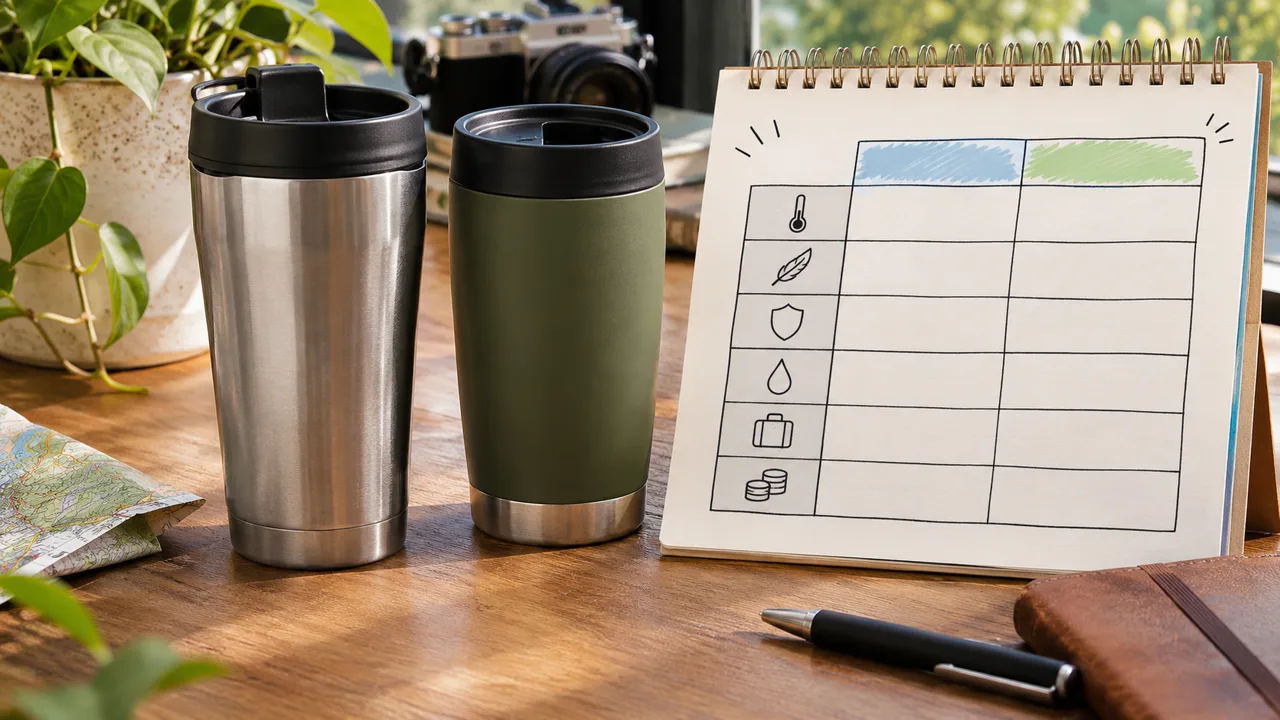
A table works when readers need to scan differences. Use plain labels and explain uncertain entries. Do not fill cells with subjective scores that have no method. If a feature was not tested, say “not tested” rather than placing a confident check mark.
Keep the table readable on a phone. A wide grid with many columns may be hard to use. Consider a small set of criteria with details below. The table should support the article, not replace clear explanations of trade-offs.
Avoid invented awards and ratings
Do not create a “2026 editor’s choice” badge without a clear decision process. Do not assign five stars based on product photos or manufacturer copy. If you use a score, explain what was measured and how weights were chosen. A short plain recommendation may be more honest.
Google Search Central’s people-first content guidance highlights transparent methods and original value. Readers can tell the difference between a comparison that helps a decision and one that rewrites marketing pages.
Handle affiliate links openly
If the publisher earns a commission when someone buys through a link, disclose it clearly before the buying decision. Do not hide the relationship in a distant legal page. The exact rules differ by region. Check applicable guidance, including the Federal Trade Commission’s endorsement information where relevant.
A commission should not decide which product wins. If a better fit has no affiliate program, it should still be considered. Readers want useful advice, not a catalog shaped only by referral payments.
A short disclosure works
For example: “Some links may earn us a commission at no extra cost to you. Our comparisons use the criteria described below.” Use wording that fits your real arrangement. If a brand provided a free sample, state that too. Transparency lets readers judge the advice with the proper context.
Make the recommendation conditional
A practical conclusion can offer three paths: choose A if you value simplicity, B if you need team controls, or neither if you require a feature both lack. That is more useful than naming one universal winner. It also respects readers in different markets and budgets.
A useful comparison may end with “check these three things before you buy.” That gives readers an action they can take even if they do not agree with the author’s favorite.

Keep comparisons current
Products and software change. A feature may move to a paid tier, a warranty may change, or a model may be replaced. Record the last review date and assign a realistic refresh schedule to fast-changing facts. A clear update note can explain what changed and why.
Do not update the visible date without checking the content. If the page still describes an old price, a fresh timestamp can mislead readers. Maintenance is part of the review’s value.
A small editorial checklist
- Define the reader and the actual decision.
- Choose criteria before selecting a winner.
- Separate verified specifications from hands-on findings.
- Record the test method, limits, and date.
- Explain total cost and meaningful drawbacks.
- Disclose commercial relationships clearly.
- Give conditional recommendations with practical next steps.
Use the list before publishing and again during updates. It can prevent the most common failures without making every article a long technical report.
What to do when you cannot test every product
Be honest about the scope. You can create a research-based comparison of documented features and costs, then explain which experience claims remain untested. It is better to tell readers what you do not know than to invent a test session. If the topic demands first-hand evidence, hold the article or seek an appropriate reviewer.
Do not reuse promotional images without permission. Official screenshots may have terms of use, and product photographs may be copyrighted. Use authorized assets or original visuals. A generic image should not imply it documents a real test.
A realistic workflow for a small publisher
On day one, the editor defines the reader’s problem and chooses three candidates. On day two, the writer checks official specifications and terms. On day three, they run common tasks with products they can access. On day four, they draft the comparison with a clear methods note. On day five, a reviewer checks claims, links, images, and affiliate disclosure.
This is an example schedule. A camera comparison may need weeks of use. A simple tool feature comparison may take less time. Match effort to the risk of the decision and the evidence readers need.
The bottom line
A useful product comparison is built around the buyer’s problem. Choose fair criteria, show evidence, describe limitations, and disclose relationships. Tell readers what was tested, what came from official sources, and where uncertainty remains. A balanced answer earns more trust than a confident claim with no method.
Frequently asked questions
Do I need to buy every item to compare it?
No, but you must not claim hands-on testing you did not do. Explain your research scope and seek first-hand evidence where experience claims are central.
Can affiliate articles be helpful?
Yes, if the advice is honest, the relationships are clear, and the comparison remains useful even when a product has no commission.
Should every comparison have a star rating?
No. A clear trade-off table and conditional recommendations may serve readers better than a score that hides important differences.