 by
by Publishing a new article is not always the best next step. An older post may already have search impressions, backlinks, internal links, and a place in your site structure. If the topic is still useful but the page is outdated, incomplete, or poorly organized, a careful refresh can be more valuable than starting from zero.

A content refresh is not a date change and a few new sentences. It is a structured review of whether the page still solves the reader’s problem. This guide shows how to audit an old post, decide what to change, preserve what still works, and measure whether the update improved the page.
Start by deciding whether the post should be refreshed at all
Not every old article deserves an update. Some should stay as they are, some should be combined with a stronger page, and some may no longer belong on the site.
A post is a good refresh candidate when:
- the topic is still relevant;
- the page receives search impressions but fewer clicks than expected;
- traffic has declined after a long stable period;
- facts, screenshots, prices, features, or links are outdated;
- the article is useful but too thin for the current reader need;
- another page on your site now overlaps with it;
- the page ranks for related queries it does not answer clearly.
If the topic itself is obsolete, refreshing may not be the right choice.
Collect baseline data before editing
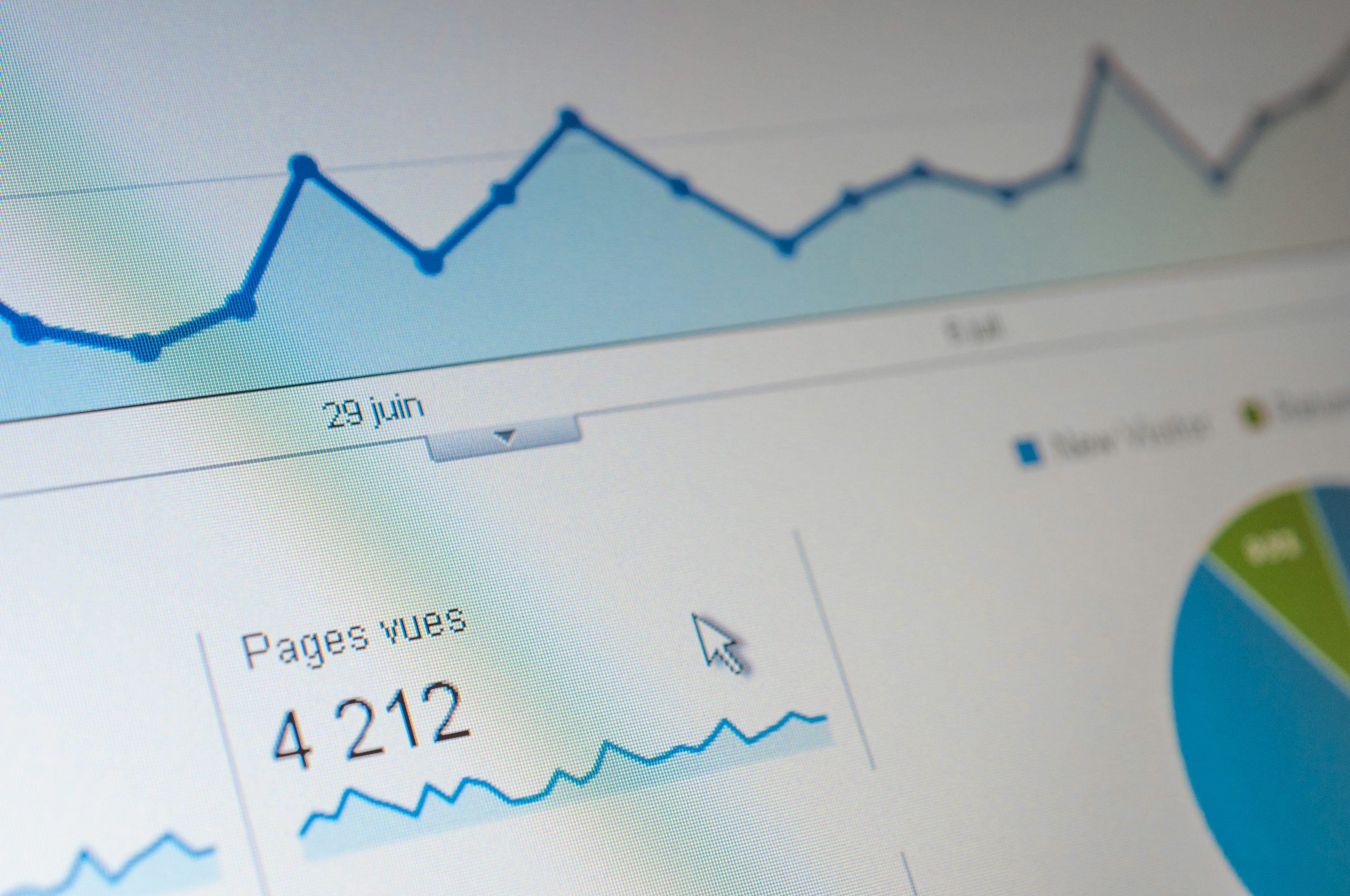
You need a before-and-after reference. Record a few simple metrics before you change the page.
Google Search Console can show impressions, clicks, average position, and search queries for a page. Your analytics platform can show visits and useful on-site actions.
Record these details
- current title and URL;
- date of the refresh;
- top search queries;
- search impressions and clicks for a consistent comparison period;
- important internal links pointing to the page;
- backlinks if you track them;
- conversions or useful actions if relevant.
Do not use one day of data. A 28-day or 90-day comparison is usually more meaningful, depending on traffic and seasonality.
Check whether search intent has changed
A page can become less useful even if the writing is still correct. The search results may have shifted toward a different type of answer.
Search the main phrase and review the current result types. Are users being shown tutorials, comparisons, product pages, tools, videos, or recent news?
Example of an intent shift
Imagine an old post titled “Best Social Media Image Sizes” that is mostly a list of dimensions from several years ago. Current searchers may now expect an updated reference table, platform-specific notes, and examples for different placement types. The page needs more than a new year in the title. It needs to match the current task.
Re-read the article like a first-time visitor
Before touching SEO fields, read the page from top to bottom. Ask whether a person can complete the task after reading it.
Look for these problems
- the introduction takes too long to reach the point;
- important steps are buried in long paragraphs;
- headings do not describe what each section covers;
- the same idea is repeated several times;
- examples no longer reflect real tools or situations;
- the conclusion only summarizes instead of helping the reader act.
Write notes before editing. This keeps the refresh focused.
Verify every fact that can change
Old posts often become unreliable because a small detail changed. Review platform features, prices, laws, product names, statistics, screenshots, and links.
Use original or authoritative sources when possible. For Google Search features, Google Search Central is more reliable than an old third-party tutorial. For an advertising platform setting, check that platform’s official documentation.
Remove unsupported statistics
If you cannot find the original source for a statistic, consider removing it. A precise-looking number with no trustworthy source does not make a page stronger.
Update the article structure before rewriting sentences

Structure has a large effect on readability. Fix the outline first.
A practical structure check
- Keep one clear H1 through the WordPress post title.
- Use H2 headings for major sections.
- Use H3 headings for smaller steps or examples.
- Move the most important answer closer to the beginning.
- Turn long lists into bullets or tables where useful.
- Remove sections that do not support the main problem.
Once the outline is clean, sentence-level editing becomes easier.
Add missing information based on real questions
Search Console queries, customer emails, comments, and support conversations can reveal useful gaps.
Suppose a page about email welcome sequences receives impressions for “how many welcome emails should I send?” but does not answer that question. Add a short section that explains how to choose sequence length based on the customer journey instead of inserting the phrase randomly.
This is a better use of query data than stuffing extra keywords into existing paragraphs.
Improve examples instead of only adding more text
Many old articles are technically correct but hard to apply. A realistic example can make the page far more useful.
Before
“Segment your email list to improve relevance.”
After
“A small online course business can separate new subscribers who downloaded a beginner checklist from paying students. The first group receives an introductory sequence. The second receives onboarding and course-use tips. The segmentation is based on what the subscriber already did.”
The second version shows the idea in action.
Remove filler and repeated explanations
A refresh does not always make an article longer. Often, the best update makes the page shorter and more direct.
Delete:
- generic introductions that repeat the title;
- paragraphs added only for word count;
- several sections that explain the same concept;
- outdated predictions;
- irrelevant definitions your target reader already understands.
Every paragraph should help the reader understand, decide, or act.
Review the title without changing the topic unnecessarily
A title refresh can improve clarity. Keep it accurate and specific.
For example, “Content Marketing Tips” could become “How to Build a Content Strategy for a New Blog.” The second title explains the task and audience more clearly.
Do not add the current year unless it matters
Some topics change every year, such as tax thresholds or platform specifications. In those cases, a date can help. Evergreen processes do not need a new year in the title just to look fresh.
Preserve a good URL when possible
If an existing page has been indexed and linked, changing the URL can create extra work. Keep the slug if it still describes the topic.
If a URL must change because the topic changed significantly, add a proper redirect from the old address to the best new page. Update important internal links as well.
Refresh the meta title and description
SEO metadata should accurately describe the updated page.
Check whether the title still matches the primary topic and whether the meta description explains the useful outcome. Avoid exaggerated promises and keyword lists.
A clear description can help a search user decide whether the page fits their need, even though search engines may choose a different snippet.
Improve internal linking
Older posts often miss newer resources because those resources did not exist when the article was written.
Add links in both directions
From the refreshed post, link to newer pages that expand a useful subtopic. Then review newer posts and link back to the refreshed page where it provides useful context.
Use descriptive anchors. “See our on-page SEO checklist” tells the reader more than “learn more.”
Check external links for quality and relevance
Open every important external link. Replace broken links and weak sources. If an official source exists for a changing fact, use it.
Do not replace a dead link with an unrelated high-authority domain. The source needs to support the claim.
Replace weak or outdated images

Old screenshots can make a current guide confusing. Update images when the interface or process has changed.
Image refresh checklist
- Does the image still show the current process?
- Is the resolution suitable for modern screens?
- Is the file larger than needed?
- Does the alt text accurately describe the image?
- Does the image add information or only decoration?
Resize and compress large files. A landscape image around 1280×720 is often enough for a full-width blog visual, though your theme may need different dimensions.
Improve readability for mobile users
Preview the refreshed page on a phone-sized screen. Long paragraphs, wide tables, and large images can create problems that are not obvious in the editor.
Break up dense text. Make sure tables can scroll or adapt. Check that buttons and links are easy to tap and that popups do not block the main content.
Look for duplicate or competing pages
As a site grows, several articles may begin targeting the same search intent.
For example, you might have:
- “How to Research Keywords”
- “Keyword Research Tips”
- “Beginner Keyword Research Guide”
If all three answer the same question, keeping them separate may create confusion. Decide which page is strongest and whether the others should be merged into it.
Combine overlapping pages carefully
Move the best unique information into the chosen page. Redirect old URLs to the most relevant consolidated page. Update internal links so they point directly to the destination.
Do not fake freshness
Changing the publication date without improving the page does not make the information more useful. If you show an “updated” date, make meaningful changes first.
A real refresh may include verified facts, improved structure, new examples, updated images, stronger links, and sections that answer current questions.
Run technical checks before republishing
Review the page as you would a new post.
- Check the canonical URL.
- Confirm the page is indexable.
- Test important links.
- Check the featured image.
- Preview mobile layout.
- Check structured data if the page uses it.
- Make sure no draft notes or placeholder text remain.
Use PageSpeed Insights if you want to review performance problems on the public page.
Measure results after the refresh
A refreshed page needs time to be crawled, indexed, and re-evaluated. Do not judge the update the next morning.
Compare consistent periods
Depending on traffic, compare the 28 days before the update with a later 28-day period. For seasonal content, compare with the same season from the previous year when possible.
Review:
- search impressions;
- search clicks;
- queries;
- average position as context;
- engaged visits;
- newsletter signups, enquiries, or other useful actions.
Do not assume every change in traffic came from your edit. Search demand, competition, seasonality, and broader algorithm changes can also affect performance.
A practical content refresh workflow

Imagine a small HR software company has a three-year-old article called “How to Onboard Remote Employees.” The page still receives impressions, but several links are broken and the examples refer to tools the company no longer uses.
The team refreshes it in this order
- Exports the page’s top Search Console queries.
- Checks current search results to confirm users still want a guide.
- Rewrites the introduction to give the onboarding framework early.
- Reorganizes the page into pre-start, first day, first week, and first month sections.
- Updates tool references and removes unsupported statistics.
- Adds a remote onboarding checklist.
- Replaces old interface screenshots.
- Links to newer internal guides on employee documentation and training.
- Keeps the existing URL because it still matches the topic.
- Updates the meta description and republishes with a genuine updated date.
The result is not simply newer. It is easier to use.
How to prioritize a large backlog of old posts
If your site has hundreds of articles, score candidates instead of refreshing them randomly.
| Factor | High-priority signal |
|---|---|
| Search demand | Page still receives meaningful impressions |
| Decline | Traffic or clicks dropped from a stable baseline |
| Business value | Topic supports an important service, product, or audience need |
| Update gap | Facts, examples, screenshots, or links are clearly outdated |
| Opportunity | Current queries reveal useful missing sections |
Pages with several strong signals should move to the top of the refresh queue.
Content refresh checklist
- Decide whether the page should be refreshed, merged, kept, or retired.
- Record baseline search and site data.
- Check current search intent.
- Read the page as a first-time visitor.
- Verify changing facts with reliable sources.
- Fix the outline before line editing.
- Add missing answers based on real questions.
- Improve examples.
- Remove filler and repetition.
- Review title and metadata.
- Preserve a useful URL when possible.
- Add relevant internal links.
- Fix weak or broken external links.
- Replace outdated images.
- Check mobile readability.
- Find overlapping pages.
- Make meaningful changes before showing a new update date.
- Run technical checks.
- Measure later using consistent comparison periods.
Frequently asked questions
How often should blog posts be refreshed?
There is no fixed schedule for every page. Review fast-changing topics more often. Evergreen guides may need updates only when facts, search intent, links, or performance change. A quarterly content audit can help you find candidates.
Should I change the publication date after an update?
If your site shows an updated date, use it when you have made meaningful changes. Do not change dates only to make old content look new.
Should I change the URL when I refresh a post?
Usually not if the current URL is short, relevant, and already indexed. Change it only when there is a strong reason, then use a proper redirect and update internal links.
Can refreshing old content replace new content?
No. Most sites benefit from both. New articles cover unanswered problems. Refreshes keep existing useful pages accurate and complete. The right balance depends on the size and age of your content library.
Conclusion
Refreshing an old blog post works best when you treat it as a reader-focused audit. Check whether the topic still matters, confirm current search intent, verify facts, improve the structure, add missing answers, and remove anything that no longer helps.
Keep what already works, especially a useful URL and strong sections. Then measure the page after enough time has passed for a fair comparison. A real content refresh should make the article more accurate, easier to use, and better connected to the rest of your site—not merely newer on the calendar.