
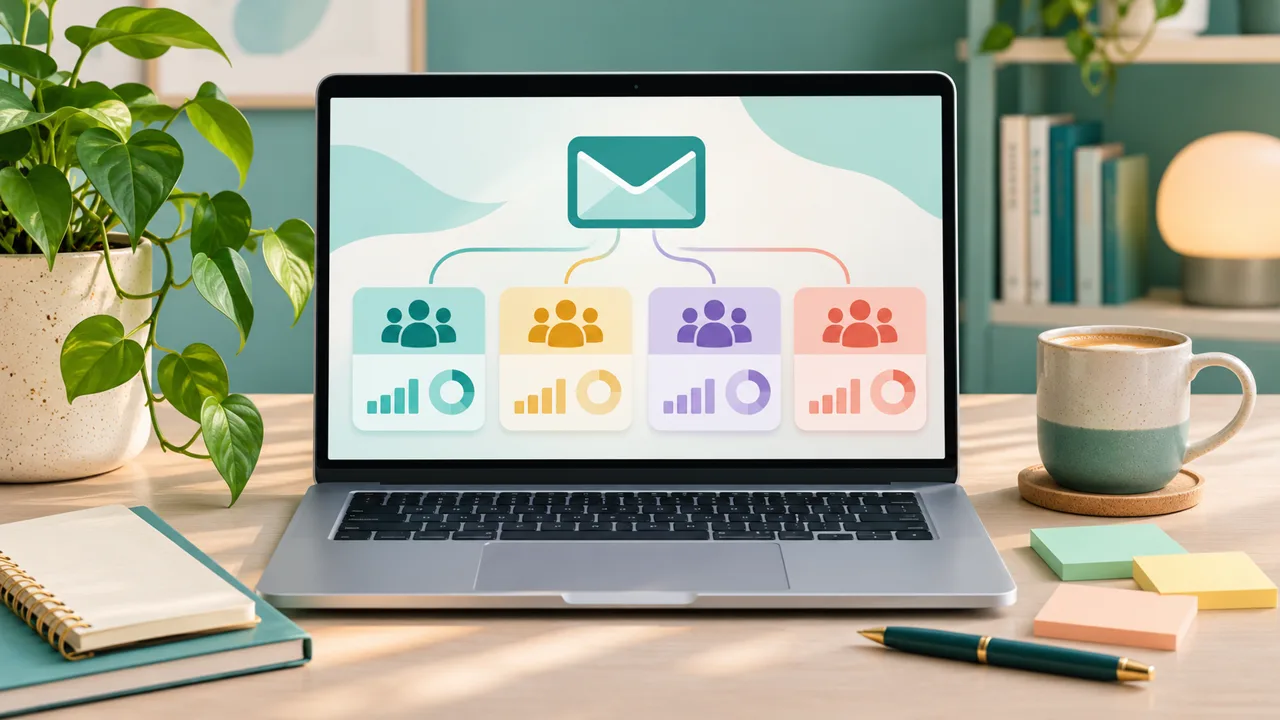
Email Segmentation for Small Teams: Send More Useful Campaigns
A useful email is one that arrives when a person has a reason to read it. The same message rarely fits a new subscriber, a repeat buyer, and someone who has not opened an email in months. Segmentation helps you divide a list into groups based on clear needs. You do not need a large team or complex software to start.
Imagine a small online shop that sells reusable kitchen goods worldwide. Some people joined for recipe tips. Others bought storage jars. A third group asked about wholesale orders. Sending every group a discount for lunch boxes may be easy, but it ignores what each person wanted. A few well-chosen segments can make the next email more relevant.
Set a simple goal before creating segments
Start with one question: what decision should the next email help someone make? It may be choosing a product size, learning how to use a purchase, booking a service, or deciding whether to renew. Build segments around that need, not around every detail stored in your contact list.
Segmentation is not a contest to create the most groups. Too many small groups can make campaigns hard to manage and results hard to trust. Start with two or three groups that have different questions. Add another only when you can explain how its message will differ.
Choose data that people understand
Signup source and stated interest
One of the most useful signals is what a person asked for. A newsletter form might offer choices such as buying guides, product updates, or learning tips. Keep the options short. Make it easy for people to change their choices later. A preference center can reduce frustration and help keep the list accurate.
If people sign up through a free workshop, they may want a follow-up lesson. If they subscribe after buying a product, they may need care instructions. Do not assume both groups want the same sale. Explain why each email is being sent and give a clear next step.
Past purchase or service use
A past order can help you offer support that fits the item. Send assembly help to someone who bought furniture. Send care advice to someone who bought a plant. Avoid using a purchase as a reason to make intrusive claims about a person’s private life or income.
For a service business, use a lifecycle stage such as new inquiry, booked consultation, active customer, or completed project. A customer who has booked a call should not keep getting reminders to book the same call. Check the automation rules so status changes stop messages that no longer fit.
Engagement and inactivity
Opens alone are not a perfect measure of attention because privacy features can affect email open tracking. Clicks, replies, purchases, preference changes, and direct feedback can offer more context. Use several signs when deciding whether a subscriber is active. A quiet reader is not always an uninterested reader.
If someone has not engaged for a long time, send a polite preference check or a useful update. Do not increase the send rate to force attention. If they still show no interest, reduce frequency or follow a clear sunset policy.
Make three segments you can use this week
New subscribers
Give new subscribers the information you promised when they joined. A short welcome message can explain what to expect, how often you write, and where the best resources are. A follow-up may answer a common first question. You do not need a long sales sequence.
Example: A digital design studio sends a welcome note with three examples of completed work, then a guide to preparing a project brief. The next email invites the reader to ask a specific question. This is more useful than a chain of generic urgency messages.
People interested in one topic
Create a segment from a clear choice or action. If a reader downloads a guide about email deliverability, the next message might explain domain authentication and list hygiene. It should not assume the reader wants to buy expensive software. Give the topic space before suggesting a service.
Use the same principle for a shop. If a customer browses hiking gear and opts into gear advice, a fit guide may help. Keep the message honest about stock, sizing, shipping, and returns. Make the user benefit visible before presenting an offer.
Existing customers
Customers often need support after a purchase. A helpful email may show setup steps, maintenance, or where to get assistance. Later, ask for feedback if it is appropriate. Keep service messages separate from promotional content where laws and platform settings require it.
For a subscription service, a renewal message should say what will renew, when, and where the person can manage it. Clear information builds more trust than vague language about a “limited opportunity.”
Set up segments in your email platform
Most email tools let you build groups using tags, form fields, purchase events, or campaign activity. In Mailchimp’s segmentation guide, you can see examples of available conditions. The exact controls and plan limits may change, so check the settings in your own account.
Choose one primary signal for each segment and name it plainly, such as “Requested SEO tips” or “Bought starter kit.” Avoid labels that require a team member to guess what they mean. Document which form, purchase, or event adds a person to the group and what removes them.
Keep fields clean
A segment is only as good as its data. If one form stores “Email Tips” and another stores “email-tips,” reports may split the same interest. Use consistent choices. Remove old tags when a campaign ends, but preserve consent history and information your platform needs for compliance.
Test the segment with a few known contacts or sample records. Check that new subscribers enter the right group and that a person who updates preferences moves correctly. Do not send a campaign until you know the audience count makes sense.
Write a different message for each group
The subject line should state the real value of the email. A new customer may need “How to set up your new lamp.” An interested prospect may need “Compare two lamp sizes for a small room.” Those are distinct jobs. The body should answer the question in clear steps and offer one main action.
Avoid swapping only the first name and calling that personalization. The more useful change is the information itself. If two groups receive identical advice, they may not need separate campaigns. Merge them until you have a reason to write differently.
Measure what matters
Pick a small number of measures that fit your goal. Useful options include clicks to a relevant resource, replies, purchases, bookings, unsubscribes, and spam complaints. Review trends over several sends. A single campaign with a small audience can give a misleading result.
If the goal is customer support, fewer repeated help requests may matter more than a high click rate. If the goal is a purchase, look at profit and returns as well as revenue. Do not use a vanity metric just because the dashboard places it at the top.
Run a fair test
To compare a general email with a segmented version, keep the core offer and timing as consistent as possible. Give each audience enough time to act. Note that segment members may differ in ways that affect results. Do not claim that segmentation alone caused an increase when the content, season, and audience also changed.
Protect trust and deliverability
Only email people when you have an appropriate permission basis for that message. Make unsubscribe easy to find and honor it quickly. Follow laws that apply to recipients in different places. Data use should match the choice people made when they signed up.
Gmail’s sender guidelines explain authentication and sending rules. Senders of more than 5,000 messages a day to personal Gmail accounts face added requirements, including one-click unsubscribe for marketing and subscribed messages. These requirements are a useful reason to keep technical setup and list practices in good shape even at smaller scale.
Do not buy a list to grow a segment. Purchased addresses have no clear relationship with your business, can harm sending reputation, and often lack the permission needed for marketing. A smaller list with a clear reason to subscribe is easier to serve well.
A practical monthly routine
- Review signup forms and preference choices for clarity.
- Check that tags and lifecycle states update when people act.
- Look for segments that receive too many messages.
- Review unsubscribes, complaints, and useful actions.
- Remove stale segments that no longer change what you send.
A simple monthly check prevents old rules from sending awkward messages. For example, a customer who already renewed a plan should not receive a “Your plan may end” promotion from a stale segment.
Common mistakes
Using sensitive traits without a clear reason
Avoid guessing a person’s health, beliefs, finances, or personal identity from casual browsing. Such assumptions can be wrong and intrusive. Use stated preferences and relevant actions instead. Collect only what you need to deliver the promised service.
Sending too many automated messages
A subscriber may enter several segments at once. Add frequency limits and priority rules so welcome, promotion, and follow-up messages do not all arrive on the same day. Review the entire experience from the reader’s side.
Treating every quiet subscriber as lost
Some people read without clicking. Others open only when a specific need arises. Use a measured re-engagement plan, not pressure. Give people a way to choose fewer emails before removing them, when that fits your consent policy.
Start small and improve
Choose one group you know well and one message that would help it. Define how people enter and leave that group, test the rules, then send a useful email. Review the result and ask whether readers got the help they wanted. Good segmentation is a habit of listening to people, not a complex dashboard.