 by
by Email automation can save time when it sends the right message after a clear customer action. It becomes a problem when businesses automate every possible email without checking relevance, consent, timing, or whether the message is still accurate.
A small business does not need dozens of complex workflows. A few well-designed automations can cover common moments such as a new signup, a customer purchase, a quote request, a subscription renewal, or a period of inactivity. This guide explains seven practical workflows, what should trigger them, what to send, and what to measure.
What email automation should do
Email automation is a rule-based system that sends or schedules messages after a defined event or condition.
Useful automation can:
- deliver a promised resource;
- welcome a new subscriber;
- follow up after an enquiry;
- guide a customer through onboarding;
- remind a shopper about an incomplete purchase where allowed;
- request feedback at the right time;
- remind a customer about renewal or repeat service.
The trigger should be understandable. “A person joined list A” is clear. “Send promotional email whenever the system predicts interest” may be harder to explain and control.
Start with permission, data quality, and exclusions
Before building workflows, make sure your business has a lawful and appropriate basis for sending the messages. Rules differ by country and by the relationship you have with the recipient.
The Federal Trade Commission publishes US commercial email guidance, while the Information Commissioner’s Office provides UK direct-marketing guidance. Use advice specific to the locations where you operate when necessary.
Define who should not receive each workflow
Every automation needs exclusions. Examples include:
- people who unsubscribed;
- customers who already completed the goal;
- contacts with invalid addresses;
- people in a different customer segment;
- staff and test accounts;
- customers currently dealing with a support problem when a promotional message would be inappropriate.
Exclusions prevent awkward or wasteful messages.
Choose an email platform that supports the workflows you need
Platforms such as Mailchimp, Brevo, Klaviyo, and HubSpot offer automation features with different levels of complexity.
Choose based on triggers, integrations, ecommerce needs, reporting, contact management, and price. A simple business may need only basic sequences. A store with several product lines may need deeper event data.
Workflow 1: New subscriber welcome sequence
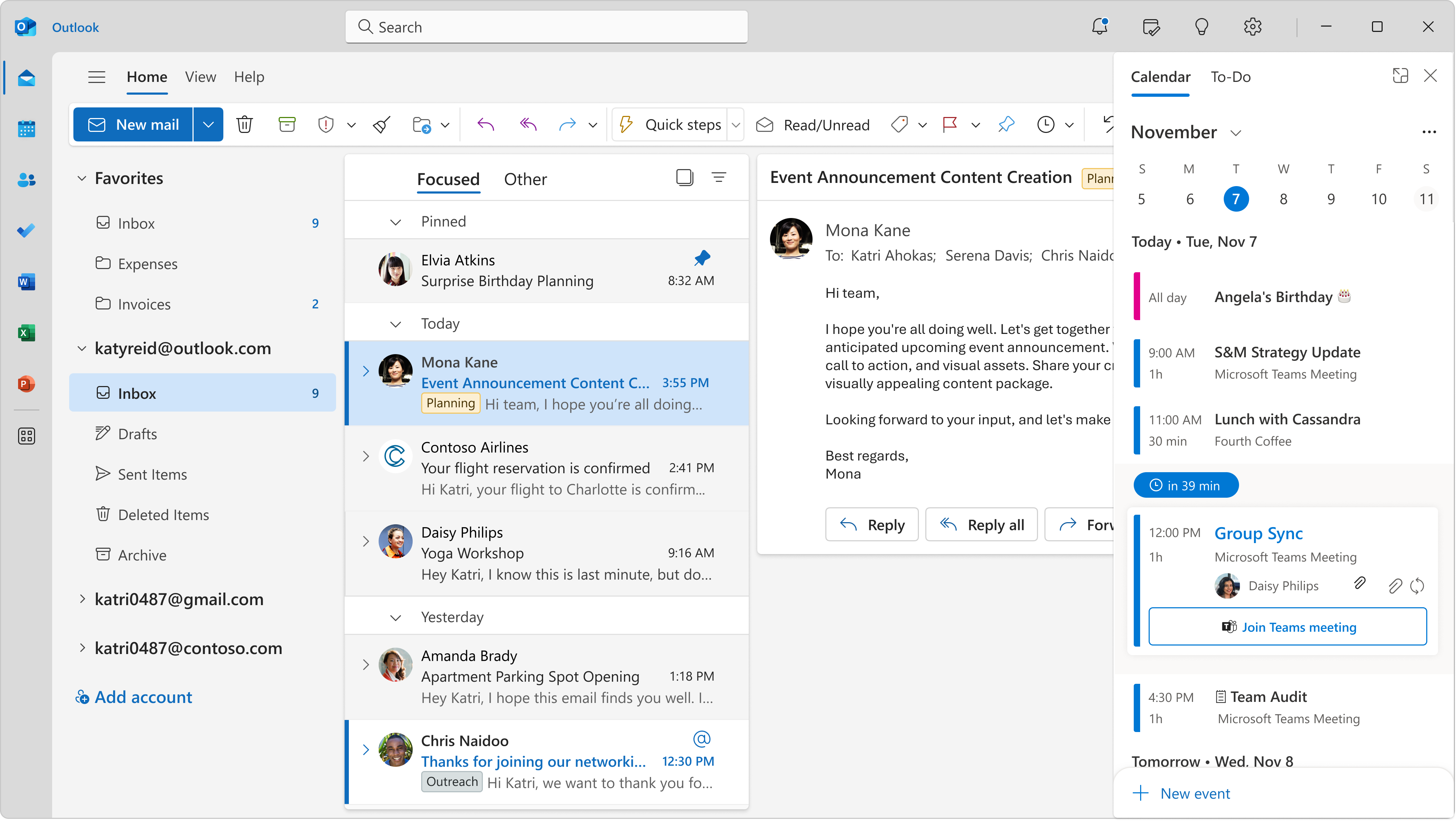
A welcome sequence begins when someone joins your email list. It should deliver what was promised and help the person understand what to expect.
Trigger
Subscriber completes the intended signup or confirms the subscription when double opt-in is used.
Simple three-email flow
Email 1 — immediately: Thank the subscriber, deliver the resource or confirm the newsletter promise, and explain the expected sending frequency.
Email 2 — after 1 to 3 days: Solve one related problem. Link to your best guide, tool, or example.
Email 3 — after another 2 to 4 days: Explain the next useful step. This could be a service page, product category, tutorial, or a question the subscriber can reply to.
What to measure
- delivery rate;
- clicks on the promised resource;
- replies;
- unsubscribes;
- conversions that match the welcome goal.
Do not judge the flow only by open rate because privacy features can make opens less reliable.
Workflow 2: Lead enquiry follow-up
When a person requests a quote, books a call, or submits a lead form, an automated message can confirm that the request arrived and explain what happens next.
Trigger
Completed lead form or booking request.
Useful first email
- Confirm receipt.
- State the expected response time.
- Repeat the key request details if appropriate.
- Explain what information the customer should prepare.
- Provide a genuine contact option for urgent changes.
This email reduces uncertainty. It should not pretend a human has personally reviewed the request if that has not happened yet.
Follow-up timing
If the team has not responded within the stated window, the automation should not simply send more marketing. Fix the operational process. Automation cannot replace timely human follow-up for high-intent enquiries.
Workflow 3: New customer onboarding

An onboarding sequence helps customers get value after purchase or signup.
This is especially useful for software, memberships, courses, professional services, and products that need setup.
Example onboarding sequence for a small software business
Day 0: Account details, login instructions, and the first task.
Day 2: One core feature with a short walkthrough.
Day 5: Common mistake and how to avoid it.
Day 10: Advanced feature or integration after the basic setup should be complete.
Day 14: Ask whether the customer needs help and link to support.
Use behavior when possible
If the platform can tell that a customer already completed a step, do not send an email telling them to do it again. Use simple branching to keep messages relevant.
Workflow 4: Abandoned cart or incomplete checkout
For ecommerce, a customer may add an item to cart or begin checkout but leave before purchasing. A reminder can help when it follows current platform rules and applicable consent requirements.
Trigger
Eligible customer starts a purchase process but does not complete it within a defined period.
Message ideas
- Remind the customer what remains in the cart.
- Explain delivery, returns, sizing, or stock if those details reduce uncertainty.
- Provide support if the checkout failed.
- Link back to the correct cart or product page.
Do not automatically offer a discount. The customer may have left because they were interrupted, not because the price was too high.
Example timing
A first reminder after a few hours can be reasonable for many stores, followed by one later reminder if the purchase cycle supports it. High-cost products may need a different schedule. Test based on your customer behavior rather than copying another store.
Workflow 5: Review or feedback request
A review request works best after the customer has had enough time to experience the product or service.
Trigger
Order delivered, appointment completed, project milestone reached, or service finished.
Choose timing by experience
A restaurant delivery can be reviewed the same day. A mattress or software subscription needs more time. A home renovation project may need the final handover before a review request is appropriate.
Ask for honest feedback
Do not pressure customers to leave only positive reviews. Ask about their experience and make support easy to reach if something went wrong.
If you offer incentives for reviews, check the review platform’s rules and applicable disclosure requirements.
Workflow 6: Re-engagement for inactive subscribers
Over time, some subscribers stop clicking or responding. A re-engagement workflow can ask whether they still want the emails and help keep the list healthy.
Define inactivity carefully
Do not use opens alone. Privacy protections can make open tracking unreliable. A better inactivity definition may combine time since last click, website action, purchase, or reply.
Simple re-engagement sequence
Email 1: Remind the subscriber what the list provides and share one strong recent resource.
Email 2: Ask whether they want to change preferences or continue receiving emails.
Email 3: Explain that inactive contacts may be removed or suppressed if they do not respond.
Honor the decision. Keeping thousands of unengaged contacts just to make the list look larger can hurt deliverability and reporting.
Workflow 7: Renewal, replenishment, or repeat-service reminder
Some products and services have a natural repeat cycle. A timely reminder can be useful when it reflects the customer’s actual relationship.
Examples
- annual software subscription renewal;
- vehicle service reminder;
- filter replacement schedule;
- pet grooming interval;
- membership expiry;
- professional license training renewal;
- regular product replenishment.
Be transparent about renewal terms
If a subscription renews automatically, make the timing, amount, and cancellation method clear according to applicable rules. Do not hide renewal details inside unrelated marketing copy.
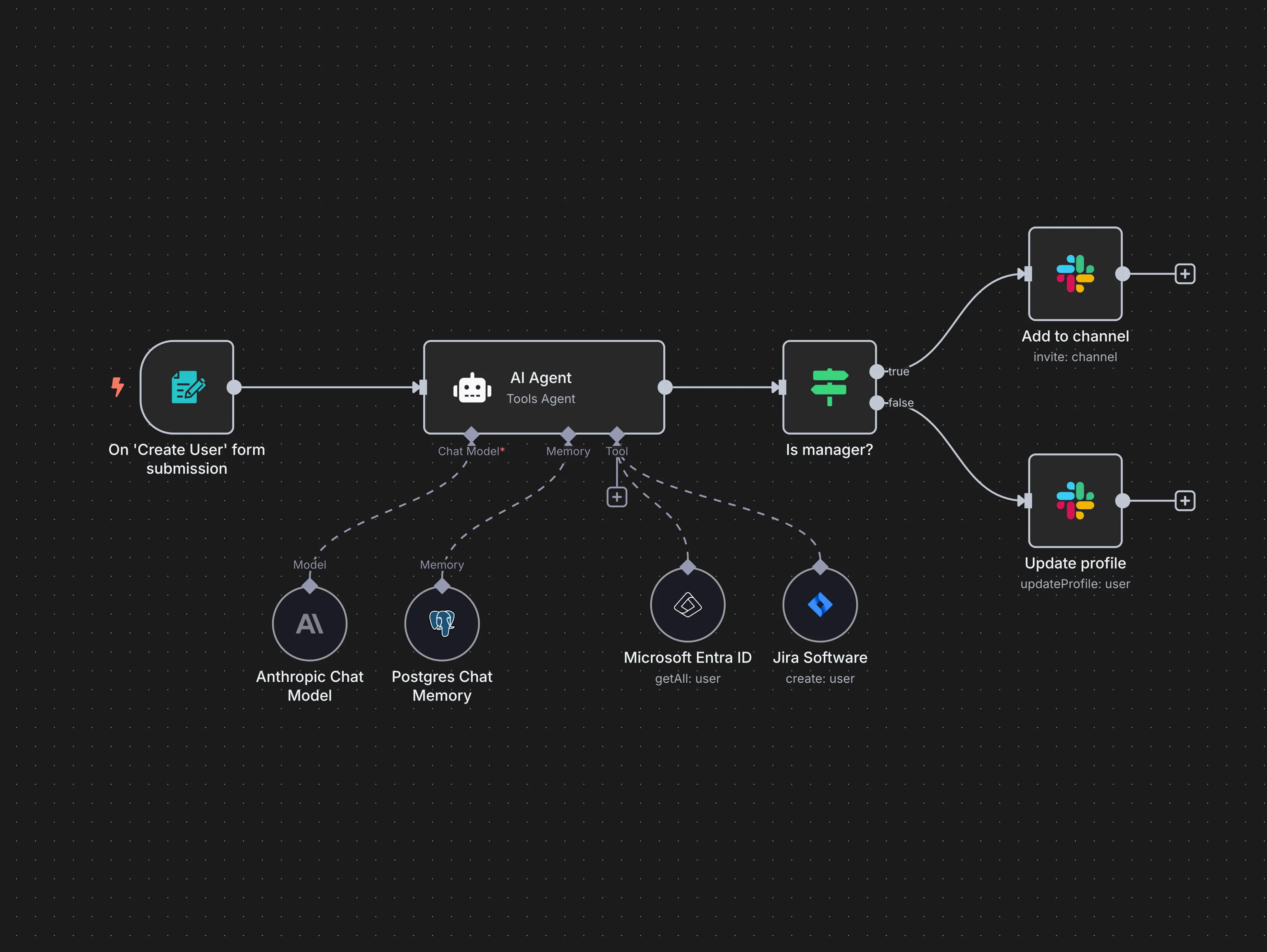
Map each workflow before building it
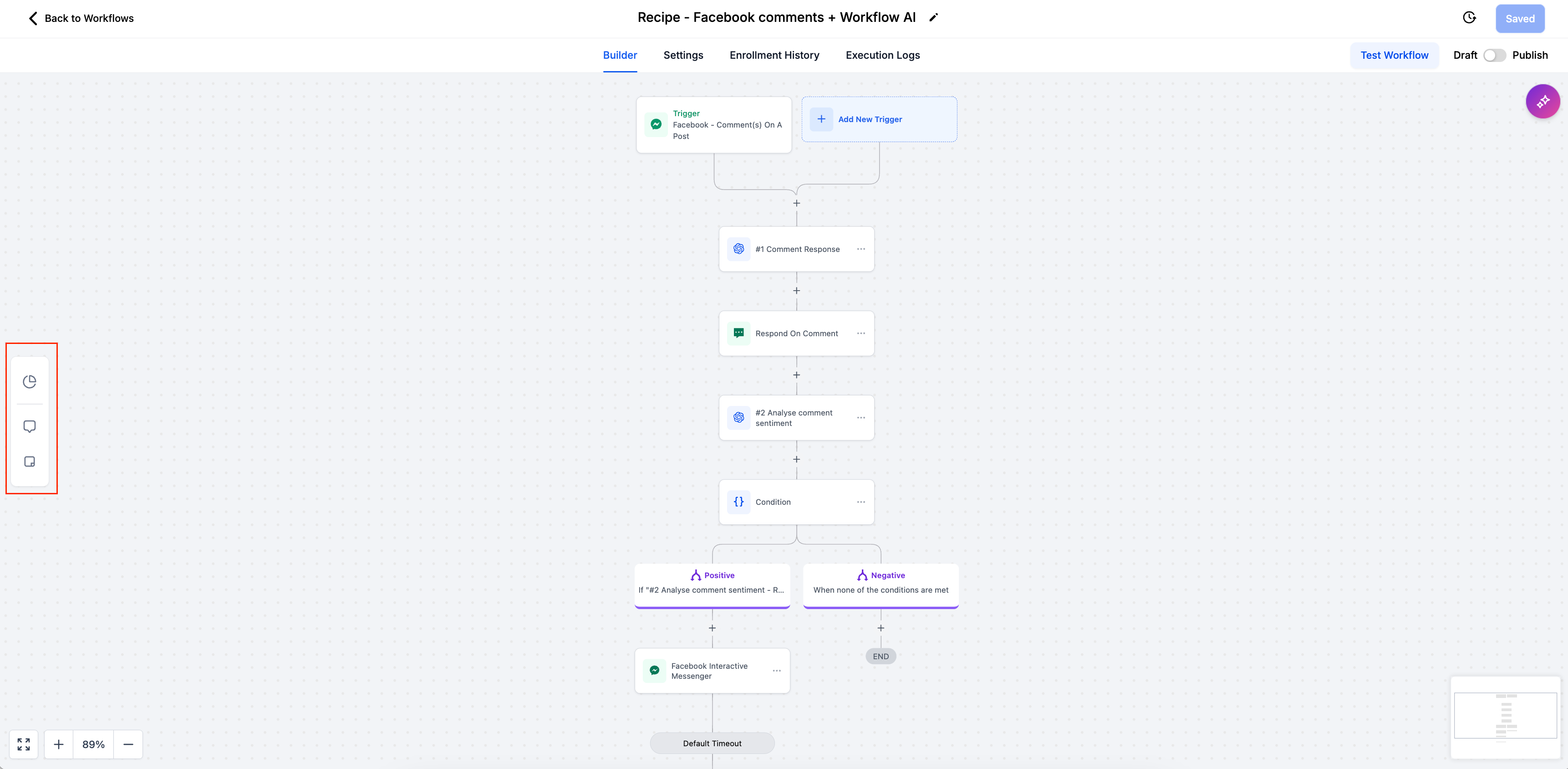
A one-page workflow map prevents mistakes.
Use these fields
- goal;
- trigger;
- eligibility;
- exclusions;
- email sequence;
- delays;
- exit condition;
- owner;
- success metric;
- review date.
For example, an abandoned-cart flow should exit immediately when the customer completes the purchase.
Use exit conditions to prevent irrelevant emails
An automation should know when to stop.
Useful exit conditions include:
- purchase completed;
- appointment booked;
- form submitted;
- subscription cancelled;
- subscriber opted out;
- customer moved to a different lifecycle stage.
Without exit rules, people can receive messages for a problem they already solved.
Keep sequences shorter than you think
More emails do not automatically create more value. Start with the minimum number needed to complete the job.
A welcome series may need three emails. A service enquiry confirmation may need only one. A complex onboarding flow may need several messages spread over weeks.
Each email should have a specific reason to exist.
Use one main action per email
Automated emails become confusing when they ask the reader to watch a video, download a guide, buy a product, follow three social accounts, refer a friend, and complete a survey at once.
Choose the most useful next action for that stage.
Personalize with behavior, not just first name
Adding a first name can be pleasant, but meaningful personalization comes from relevance.
Examples:
- Send product-care instructions for the item purchased.
- Send a tutorial for the feature the customer has not used.
- Send a service follow-up based on the form submitted.
- Send renewal information based on the actual plan.
Do not use sensitive personal data for personalization without a clear and appropriate reason.
Write automation copy that sounds human
An automated email can still be clear and respectful.
Use simple language
Instead of “Your submission has been successfully received and is currently being processed by our customer success operations team,” write “We received your request. A team member will reply within one business day.”
Plain language reduces uncertainty.
Test every path before activating
Use test contacts and complete the workflow yourself.
Check these details
- trigger fires correctly;
- emails arrive in the right order;
- delays are correct;
- links work;
- mobile layout is readable;
- personalization fields do not break;
- exit conditions work;
- unsubscribe is available;
- completed customers do not keep receiving reminders.
Test again after major platform or integration changes.
Watch deliverability basics
Automation increases sending consistency, so poor practices can also scale quickly.
Use a domain you control, follow your provider’s authentication guidance, remove hard bounces, honor unsubscribes, and avoid purchased lists.
If a workflow suddenly starts sending much more volume than normal, check why before allowing it to continue.
Measure each workflow by its goal
Do not use the same metric for every sequence.
| Workflow | Primary useful metric | Secondary signals |
|---|---|---|
| Welcome | Resource use or next-step conversion | Clicks, replies, unsubscribes |
| Lead follow-up | Qualified response or booking | Reply time, form completion |
| Onboarding | Activation or key task completion | Support requests, clicks |
| Cart recovery | Recovered purchase | Checkout clicks, support requests |
| Review request | Completed feedback | Support contacts, response rate |
| Re-engagement | Meaningful reactivation | Clicks, preference changes, unsubscribes |
| Renewal reminder | Renewal or appropriate customer action | Plan changes, support contacts |
Review automations every quarter
Automations are easy to forget because they run in the background. Schedule a review every few months.
Quarterly automation audit
- Check every email for outdated facts and links.
- Confirm triggers and exclusions still match the business.
- Review conversion and unsubscribe data.
- Remove steps that no longer help.
- Update screenshots, prices, and product names.
- Test exit conditions.
- Confirm compliance and consent processes still fit current requirements.
An old automation can quietly send incorrect information for months if nobody owns it.
A practical automation setup for a local service business
Imagine a small home-cleaning company that receives leads through its website and has repeat customers.
The company starts with three workflows:
- Quote confirmation: sent immediately after a form submission, with a response-time promise and a list of details the team may need.
- New customer onboarding: sent after the first booking, explaining arrival windows, access instructions, and how to reschedule.
- Repeat-service reminder: sent based on the customer’s chosen cleaning interval, with a simple booking link.
The company does not automate sales emails for every website visitor. It focuses on clear customer events. This keeps the system easier to manage and more relevant.
A practical automation setup for a small ecommerce store
A handmade skincare store begins with:
- a three-email welcome sequence;
- an incomplete-checkout reminder;
- product-care instructions after purchase;
- a replenishment reminder for products with a predictable use cycle;
- a feedback request after enough time has passed to try the product.
Purchasers exit the cart flow. Customers with an unresolved support ticket are excluded from promotional reminders until the issue is handled.
The store measures repeat purchases and support questions, not only email opens.
Common email automation mistakes
Building too many workflows at once
Start with one or two high-value customer moments. Make them reliable before adding more.
Using automation to replace customer service
A confirmation email can explain next steps, but complex questions still need a real response.
Forgetting exclusions
Customers who already converted should not keep receiving conversion reminders.
Sending too many emails
Automated messages can overlap with newsletters and promotions. Review total contact frequency across all campaigns.
Leaving old sequences untouched
Pricing, products, policies, staff, and links change. Audit automated emails on a schedule.
Tracking only open rates
Focus on the business action each workflow is meant to support.
Email automation checklist for small businesses
- Choose a clear goal.
- Confirm permission and data practices.
- Define the trigger.
- Set eligibility rules.
- Add exclusions.
- Map the sequence before building.
- Add exit conditions.
- Keep the number of emails practical.
- Use one main action per email.
- Personalize based on relevant behavior.
- Write in plain language.
- Test every path.
- Protect sender reputation.
- Measure the goal, not vanity metrics.
- Audit workflows every quarter.
Frequently asked questions
What email automation should a small business set up first?
Start with the workflow closest to a clear customer action. For many businesses, that is a subscriber welcome sequence, lead confirmation, or customer onboarding flow.
How many emails should be in an automation?
Use the minimum needed to complete the job. Some automations need one email. Others need three to five messages. Add a step only when it has a clear purpose.
Can I automate promotional emails to every contact?
No. Eligibility depends on consent, relationship, location, and platform rules. Keep promotional automation separate from transactional or service messages and follow the requirements that apply to your business.
How often should automations be reviewed?
Quarterly is a useful baseline for many small businesses. Review sooner when products, prices, policies, integrations, or legal requirements change.
Conclusion
Email automation is most useful when it handles predictable customer moments with clear rules. Start with a small number of workflows, define who enters and exits each one, and make every message solve the next practical need.
Test the entire journey before activating it and measure the result that matters for that workflow. A reliable three-email sequence is more valuable than a complex automation map full of irrelevant messages. Build slowly, keep ownership clear, and review the system often enough that customers never receive outdated or confusing information.