
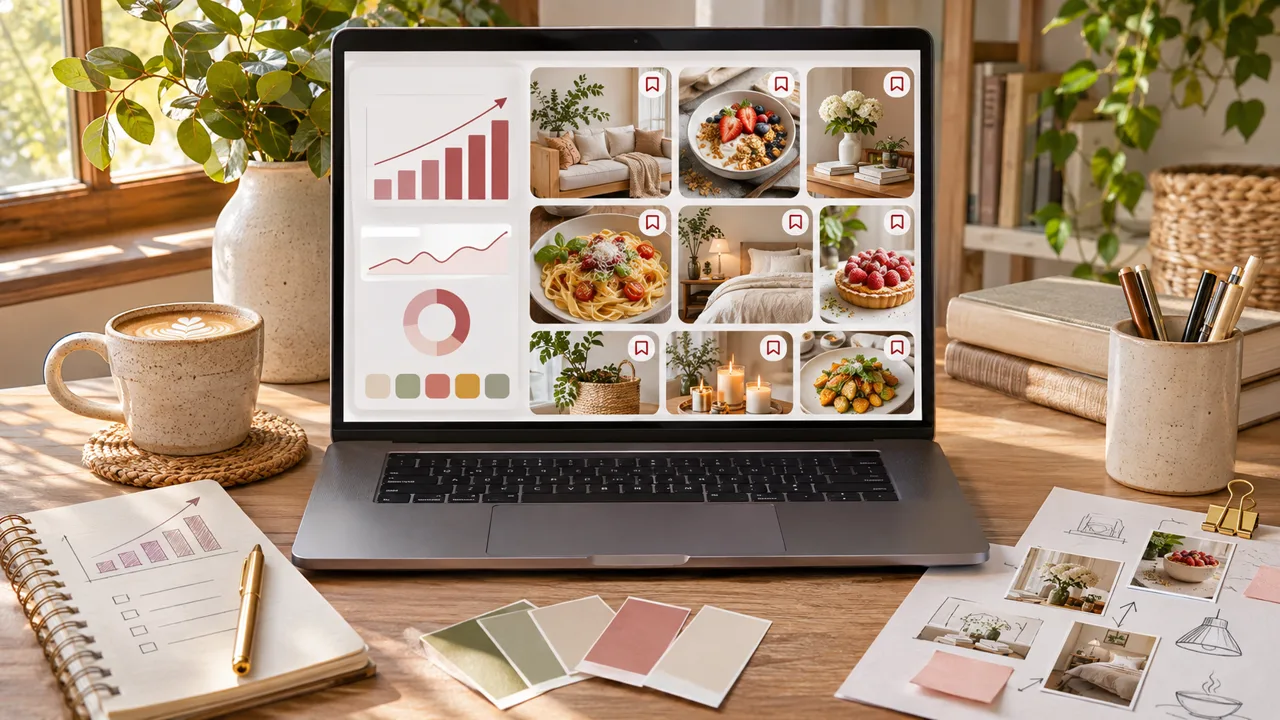
Pinterest Analytics for Evergreen Content: Find Ideas Readers Save and Use
Pinterest can work differently from a fast-moving social feed. People often browse for ideas they plan to try later, such as recipes, room layouts, travel plans, or craft projects. For a publisher, this makes saves and outbound visits worth studying. But a Pin with many views is not automatically helping the website or the reader.
This guide explains how a small business or blog can use Pinterest Analytics to learn which topics attract useful attention. It focuses on organic content, realistic tests, and honest measurement. You do not need to create dozens of nearly identical Pins to learn what works.
Choose a clear reader task
Before posting, define the problem behind the visual. A Pin about a small balcony garden should lead to instructions that help someone choose plants and plan the space. A Pin about travel packing should link to a useful checklist. The image and landing page need to serve the same intent.
Think about what a person might save for later. It could be a step-by-step diagram, a comparison, a list of materials, or a visual example. Decorative images can be attractive, but the linked page must still deliver practical detail.
Set up the right account
Pinterest’s official analytics guide explains that a business account is needed to view Pinterest Analytics. Review the current account settings and connect a website where the platform supports it. Verify that the site you link is yours or that you have permission to promote it.
Keep business details accurate. A site with clear contact and policy pages can help visitors trust the destination. Do not use a misleading brand name or claim an official partnership that does not exist.
Understand the core metrics
Impressions and saves
Impressions count how often a Pin appears on screen. Saves show that someone added it to a board. A save may suggest the idea is worth keeping, but it does not prove the person read the article or bought a product. Compare saves with the kind of content you published.
A simple checklist graphic may receive more saves than a product photograph because people want to return to it. That does not mean every future Pin should be a checklist. Use the reader’s task to choose the format.
Pin clicks and outbound clicks
Pin clicks can show interest in seeing more of the Pin. Outbound clicks show actions that lead to a destination outside Pinterest. For a publisher that wants people to read a guide, outbound clicks may be more relevant than impressions alone. The official analytics documentation defines these metrics.
Still, an outbound click is only the start of a visit. Check whether the article loads, matches the visual promise, and gives a clear answer. A catchy image can attract traffic that leaves disappointed if the page does not deliver.
Audience and video measures
Pinterest offers other measures for audience and video content where available. Use them when they fit the format. Do not compare a static recipe photo with a long video using a single engagement number. Different content types invite different behavior.
Find patterns in saved content
Review a group of Pins over several weeks. Sort them by topic, visual style, and reader problem. Look for repeated patterns rather than one unusually popular Pin. A strong Pin may benefit from seasonal demand or a share by a large account, so repeat the idea before making it your whole strategy.
Suppose a home office blog finds that small-space desk layouts earn useful saves and visits. It could publish a new guide on cable placement or lighting, each with a distinct purpose. It should not repost the same diagram under ten different titles.
Make each Pin useful
Show the real subject
Use a clear photo or illustration related to the page. A cooking guide should show the dish or a key step, not an unrelated luxury kitchen. A product comparison should not imply features that are absent. The visual sets an expectation before someone clicks.
If an image includes text, keep it short and readable. A few words can explain the task, while the full detail belongs on the destination page. Avoid tiny text that becomes unreadable on a phone.
Write plain descriptions
Describe what people will learn and use natural terms. A description for a balcony planting guide could mention low-light plants, pot size, and watering basics. Do not stuff a list of unrelated hashtags or trending terms into every field.
The Pinterest Business guide to Pins explains the available creative formats and links. Check current dimensions and specifications before exporting, as platforms can change their recommendations.
Match the destination to the idea
The linked article should answer the question shown in the Pin. If the Pin promises a free printable checklist, make the checklist easy to find and explain any signup requirement. Do not hide the resource behind an unexpected paywall or send visitors to a generic homepage.
Make the page mobile-friendly. Many people move from a visual app to a website on the same phone. Slow images, popups, and tiny text can interrupt the task. Test the route from Pin to page as a normal user would.
Use trends with restraint
Pinterest Business resources describe trend tools and planning guidance. A trend can show rising interest, but not every trend fits your audience. Choose topics where you have real expertise or can provide a useful original answer.
For a global site, seasonality varies by region. A summer idea in one country may be a winter idea elsewhere. Avoid assuming everyone follows the same holiday calendar or shopping cycle. Use your own audience data when possible.
Plan a practical four-week test
Choose one article with a clear visual task. Create two distinct Pins that show different useful angles, such as the finished result and a step from the process. Share them according to your normal schedule. Review saves, outbound clicks, and site behavior after enough time has passed.
- Write down the reader task and destination page.
- Create an accurate image with readable text if needed.
- Use a clear description and relevant terms.
- Track saves and outbound clicks over a fair period.
- Review the landing page and reader feedback.
Do not treat the first day’s result as a final verdict. Pins may continue to receive activity after they are posted. Review meaningful periods and keep notes about timing, format, and topic.
Combine Pinterest and website data
Use privacy-respecting site analytics to see whether Pinterest visitors reach the article and take useful actions. Remember that platform clicks and site sessions may not match exactly. Apps, consent settings, and network conditions affect measurement. Look for broad patterns rather than forcing identical totals.
An article may serve readers even when they do not subscribe or buy. A clear tutorial can build trust and answer a question. Consider comments, related page visits, and repeated questions alongside traffic.
A realistic example
A gardening blog publishes a guide to growing herbs in a small kitchen. One Pin shows a neat shelf setup. Another shows pot drainage and light placement. Both link to the same complete guide because they answer related parts of the same task.
After several weeks, the drainage Pin receives fewer impressions but more outbound clicks. The editor learns that people want practical setup help. The next article covers watering mistakes, supported by a new visual. It is a distinct guide, not a copy of the first one.
Avoid common mistakes
Judging success only by impressions
A large impression count may look impressive but say little about useful action. If the goal is article reading, review outbound clicks and the destination experience. Use saves to understand ideas people may want later.
Using misleading images
A Pin that shows a result the article cannot teach may attract a click and lose trust. Match the visual to the real instructions. Do not copy someone else’s image without permission or proper licensing.
Publishing many duplicate Pins
Repeated near-identical creative can tire an audience and make analysis less useful. Test meaningful differences in angle or format. Keep each Pin tied to a real reader need.
Review the plan each month
Look at which topics people save, which Pins lead to useful visits, and where pages need better answers. Update outdated information and replace broken links. Keep a small record of lessons so the team can build on them.
Pinterest can help a publisher connect visual ideas with useful articles. The best work starts with an honest image and ends with a page that solves the promised problem. Use analytics to learn which questions matter, not just which image attracts the most views.