 by
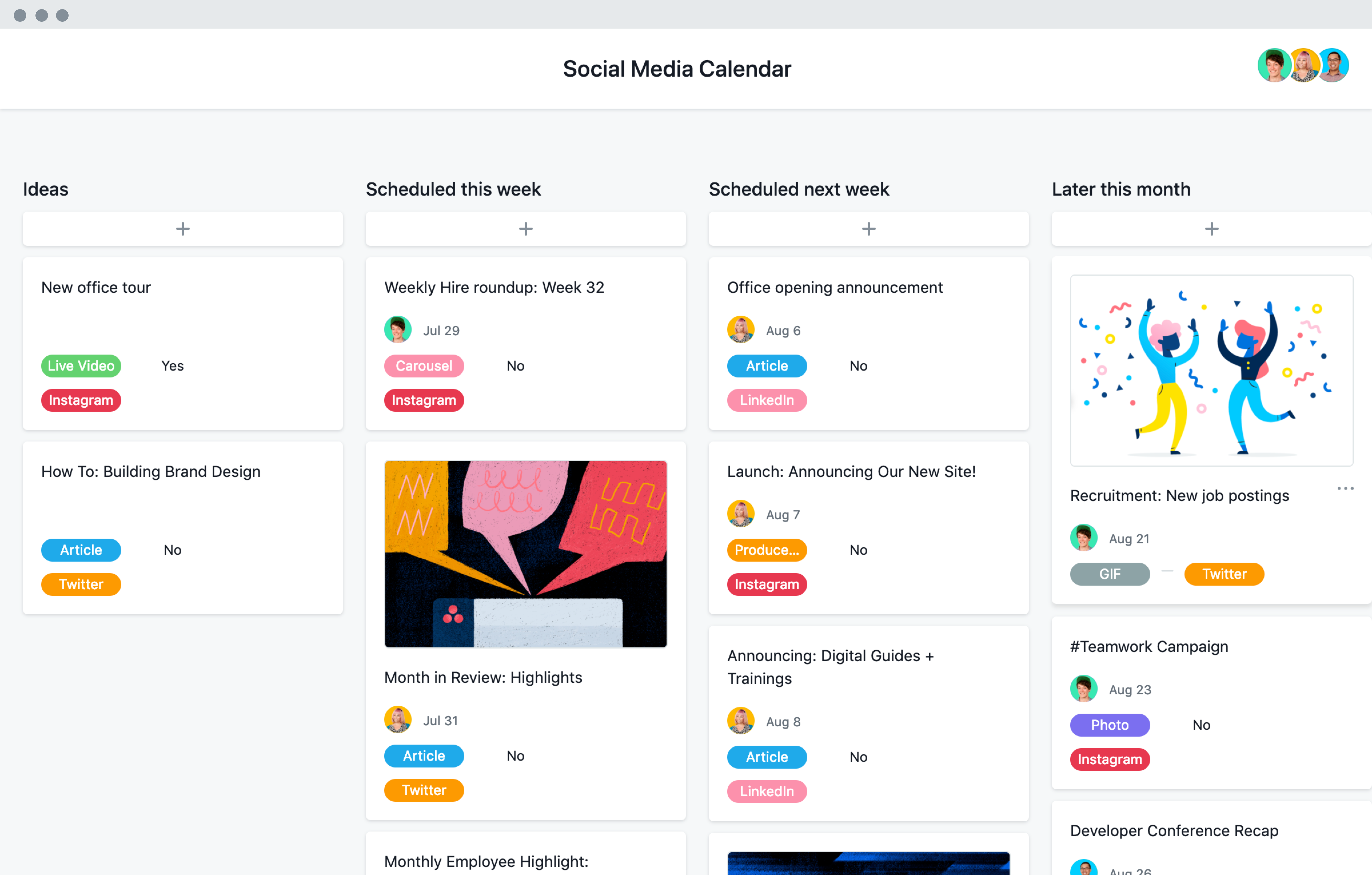
by A social media content calendar should make publishing easier. If it becomes a large spreadsheet that nobody checks, it is not doing its job. The best calendar gives you enough structure to stay consistent while leaving room for timely posts, customer questions, and new ideas.

This guide shows a practical way to build a social media content calendar for a small business, creator, nonprofit, or lean marketing team. You will learn how to choose goals, create content pillars, plan a realistic posting rhythm, reuse ideas across platforms, and measure what is worth repeating.
Start with the job your social media needs to do
Do not begin by filling empty calendar boxes. Begin with the business goal.
A local restaurant may want more bookings and repeat visits. A freelance designer may want qualified enquiries. A nonprofit may want more event registrations and volunteers. These goals lead to different content.
Choose one or two primary goals
Good starting goals include:
- increase awareness among a specific audience;
- drive visits to useful website content;
- generate enquiries or bookings;
- support an email list;
- answer customer questions;
- build trust through useful proof and education.
Trying to make every post drive sales, followers, shares, traffic, and comments at the same time usually creates weak content. Give each post one main job.
Choose the platforms you can support well
A small team does not need to publish everywhere. Choose platforms based on where your audience spends time and which formats you can make consistently.
Instagram is useful for visual storytelling, short videos, product demonstrations, and community interaction. LinkedIn can work well for professional education, company updates, and B2B conversations. YouTube is strong for demonstrations, explainers, reviews, and searchable video content.
Pick one primary channel and, if you have capacity, one secondary channel. It is better to publish useful content on two networks than rushed content on five.
Create 3 to 5 content pillars
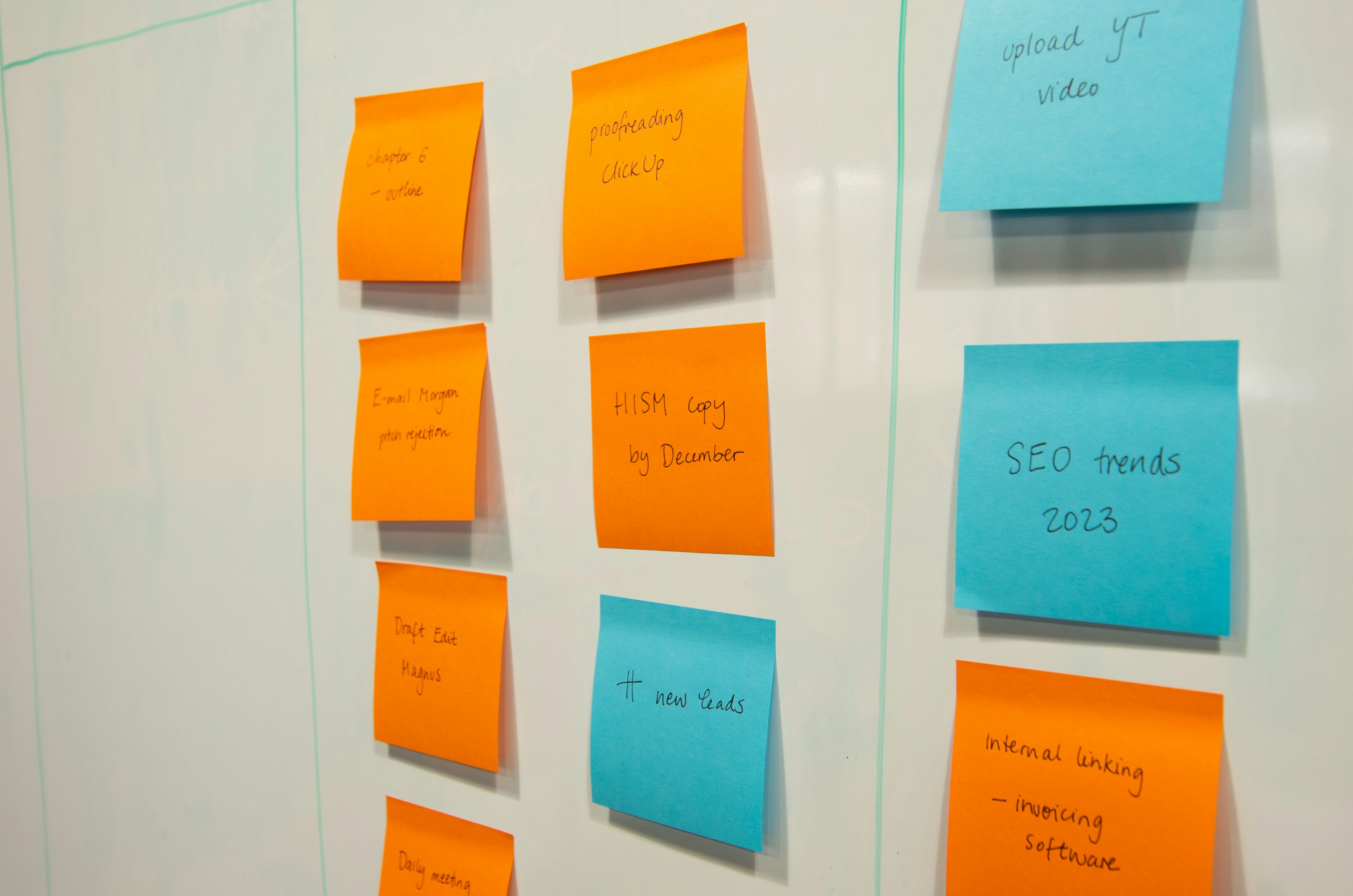
Content pillars are recurring topic areas that keep your feed focused. They also make planning faster because you are not starting from a blank page each week.
For a small digital marketing consultancy, pillars might be:
- SEO and website tips;
- social media examples;
- small business marketing mistakes;
- client lessons and case examples;
- behind-the-scenes process.
Use a simple pillar test
A useful pillar should pass three tests:
- Your target audience cares about it.
- You have enough experience or source material to discuss it repeatedly.
- It supports one of your social media goals.
If a pillar fails one of these tests, remove it.
Build a small library of repeatable post formats
A content calendar becomes easier when you reuse proven formats. Reusing a format is not the same as repeating content.
Examples include:
- one quick tip;
- three-step tutorial;
- before-and-after example;
- common mistake and fix;
- customer question;
- short checklist;
- myth versus reality;
- mini case study;
- behind-the-scenes process;
- resource recommendation.
One topic can often become several formats. A bakery can turn “how we prepare custom wedding cake tastings” into a short video, a photo carousel, a customer FAQ post, and a behind-the-scenes Story without copying the same caption.
Choose a posting rhythm you can maintain
Consistency matters more than an ambitious schedule that lasts two weeks. Start with the number of strong posts your team can create, review, and publish without rushing.
A realistic small-team example
| Day | Post type | Purpose |
|---|---|---|
| Tuesday | Educational tip or carousel | Help and discovery |
| Thursday | Example, story, or behind-the-scenes post | Trust |
| Saturday | Offer, event, product, or community post | Action |
Three good posts each week can be enough for many small businesses. Add Stories, replies, or short updates when useful rather than forcing them into a rigid quota.
Plan one month at a time, but detail one week at a time
A monthly view helps you see campaigns, launches, holidays, and topic balance. A weekly view helps you write specific posts without overplanning.
At the beginning of the month, mark:
- product launches;
- events;
- important business dates;
- seasonal customer needs;
- new blog posts or resources;
- planned promotions.
Then assign broad content ideas to each week. Write detailed captions and creative briefs only for the next seven to ten days. This leaves room to respond to real events.
Use a calendar with fields people will actually update

A calendar can live in a spreadsheet, project tool, or social media platform. The tool matters less than the fields.
Recommended calendar columns
- publish date;
- platform;
- content pillar;
- format;
- working hook or title;
- main message;
- call to action;
- asset link;
- owner;
- status;
- final post link;
- results or notes.
If your team never uses a column, delete it. A lean calendar is easier to maintain.
Turn one strong idea into several platform-specific assets
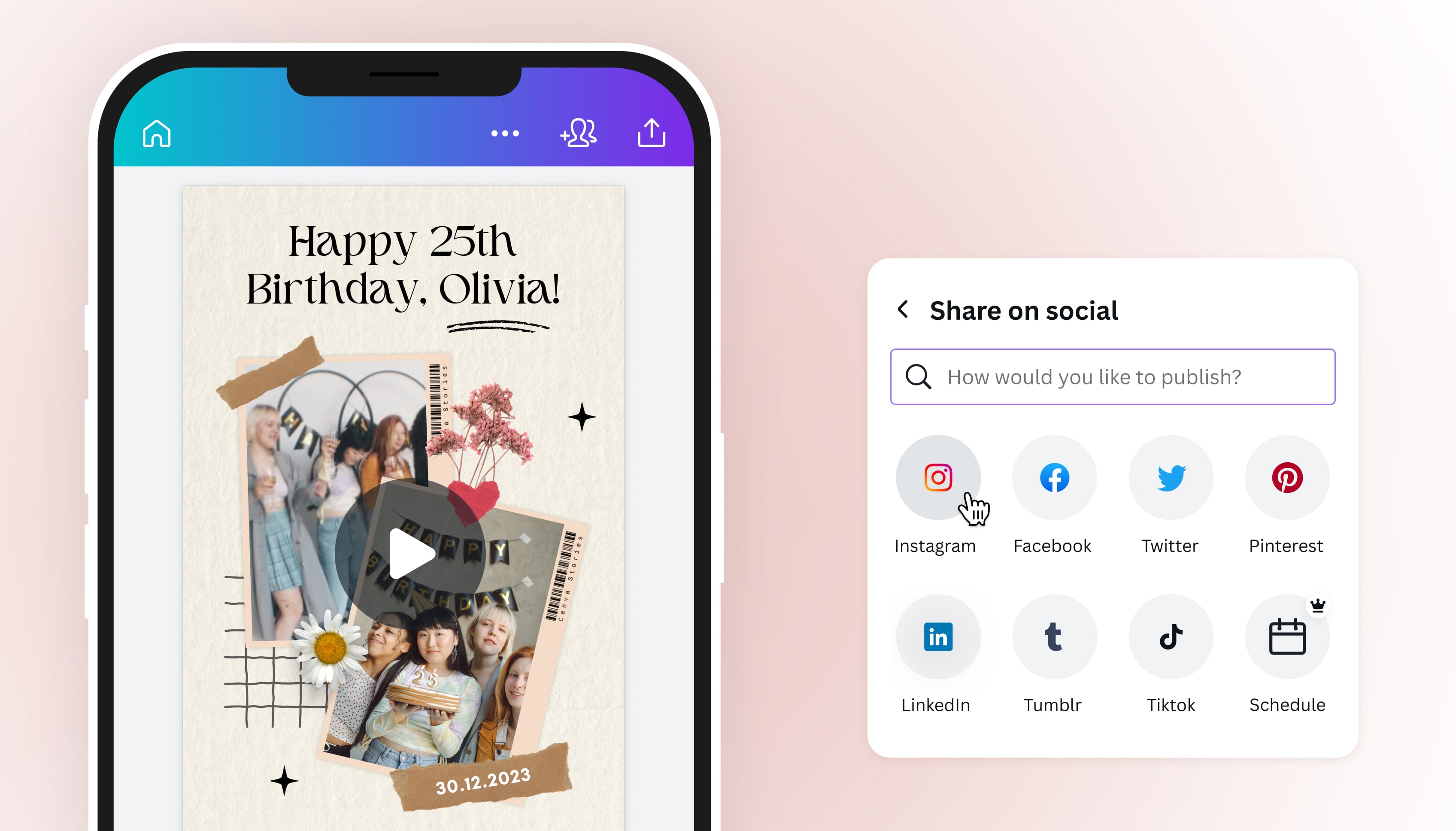
Repurposing saves time when each version fits the platform.
Imagine a home renovation company publishes a blog guide called “Five Questions to Ask Before Hiring a Contractor.” The team could create:
- an Instagram carousel with the five questions;
- a short video explaining the most overlooked question;
- a LinkedIn post about how transparent estimates build trust;
- a Story poll asking which renovation concern is most stressful;
- a follow-up post answering the most common poll response.
The core idea stays the same, but each post serves a different reading or viewing habit.
Write a clear creative brief for each post
A creative brief prevents vague requests such as “make something for Instagram.” It can be short.
Use this five-part brief
- Audience: Who is this for?
- Problem: What question or need does it address?
- Message: What one idea should the person remember?
- Format: Video, carousel, image, text post, or Story?
- Action: What should the person do next?
For example: “For first-time café owners who are unsure how often to post. Show a simple three-post weekly schedule in a carousel. End by asking them to save the post and choose their three weekly themes.”
Use hooks that describe a real benefit or problem
A hook should help someone decide whether to keep reading. Clear beats clever.
Examples:
- “Three posts a week are enough if each one has a job.”
- “If your content calendar is always full but your feed still feels random, check your pillars.”
- “Before you plan 30 posts, decide what your audience needs from you this month.”
Avoid fake urgency or exaggerated claims such as “This one trick will explode your reach.”
Give every post a specific call to action
Not every call to action should be “buy now.” A useful action can be small.
Examples include:
- save this checklist;
- read the full guide;
- reply with a question;
- download a template;
- book a consultation;
- visit the product page;
- share the post with a teammate.
Match the action to the post. An educational post may ask for a save. A service comparison may lead to an enquiry page.
Add an approval process without slowing everything down
Teams often lose time because nobody knows who can approve a post. Decide the rules in advance.
A simple workflow
- Idea approved.
- Draft written.
- Visual prepared.
- Facts, spelling, links, and brand details checked.
- Final owner approves.
- Post scheduled.
For routine posts, one final approver may be enough. For legal, financial, medical, or regulated claims, add the correct subject expert before publishing.
Batch work by task, not only by post
Creating one post from start to finish, then starting the next, can be slow. Try grouping similar work.
For example, spend 45 minutes choosing six ideas. Then write all six outlines. Next, produce the visuals. Finally, schedule the completed posts.
Batching reduces the mental cost of switching between research, writing, design, and scheduling.
Schedule posts, but stay present for replies
Scheduling tools can save time, but social media is still social. Check comments and messages after posts go live.
Meta Business Suite can help businesses manage Facebook and Instagram publishing and messages in one place. Other platforms also offer native scheduling features.
Do not schedule sensitive or time-dependent posts so far ahead that they become inappropriate if circumstances change.
Create room for timely content
Leave 10 to 20 percent of your calendar open. This makes it easier to react to:
- customer questions;
- new product news;
- industry updates;
- local events;
- unexpected opportunities;
- high-performing posts that deserve a follow-up.
A calendar should guide your team, not prevent it from responding to reality.
Measure the result that matches the post goal
Do not judge every post by likes. A post that sends ten qualified visitors to a service page may be more useful than one that gets hundreds of casual reactions.
Match metrics to goals
| Goal | Useful metrics |
|---|---|
| Awareness | Reach, impressions, video views |
| Engagement | Comments, saves, shares, meaningful replies |
| Traffic | Link clicks, landing-page visits |
| Leads | Enquiries, form submissions, booked calls |
| Sales | Purchases, revenue, assisted conversions |
Use the analytics tools provided by each platform and your website analytics to understand what happens after a click. Google Analytics can help you review website traffic and actions when it is configured correctly.
Run a monthly content review
At the end of each month, spend 30 minutes answering these questions:
- Which three posts best supported our goals?
- Which content pillar produced useful responses?
- Which format was easiest to create?
- Which posts attracted the wrong audience?
- What questions appeared in comments or messages?
- What should we stop, repeat, or test next month?
Add the findings to the next calendar. This turns the calendar into a learning system rather than a schedule only.
A practical four-week example

Imagine a small fitness studio that posts three times per week. Its goals are to build local trust and increase trial-class bookings.
Week 1: A beginner exercise carousel, a coach introduction, and a post explaining what happens in a first class.
Week 2: A short video showing a common form mistake, a member story with permission, and an FAQ about class levels.
Week 3: A recovery tip, a behind-the-scenes class setup video, and a trial-class reminder.
Week 4: A “what to bring” checklist, a coach Q&A clip, and a post that answers the month’s most common message.
The calendar stays focused because every post fits a pillar and a business goal. It also gives the team enough variety to avoid repeating the same format.
Common content calendar mistakes
Planning too many posts
An unrealistic schedule creates rushed content and missed dates. Reduce frequency until the quality is sustainable.
Using trends with no audience connection
A trend is useful only if it helps you communicate something relevant. Do not force every meme or audio trend into a business feed.
Ignoring comments and questions
Replies are a source of future content. If three customers ask the same question, add it to the next calendar.
Publishing the same asset everywhere
Repurpose the idea, but adjust the format, length, and context for each platform.
Measuring only follower growth
Followers can matter, but the better question is whether the right people are seeing, using, and acting on your content.
Social media content calendar checklist
- Choose one or two business goals.
- Select the platforms you can support well.
- Create 3 to 5 audience-relevant content pillars.
- Build a small library of repeatable post formats.
- Choose a realistic weekly posting rhythm.
- Plan broad themes monthly and details weekly.
- Use only calendar fields your team needs.
- Repurpose strong ideas for each platform.
- Write a clear brief for every post.
- Add one specific call to action.
- Define the approval owner.
- Batch similar tasks.
- Keep room for timely content.
- Measure results against the post goal.
- Review and improve the system each month.
Frequently asked questions
How far ahead should I plan social media content?
Plan major themes and campaigns about a month ahead, but write detailed posts one or two weeks ahead. This gives you structure without making the calendar too rigid.
How often should a small business post?
There is no universal number. Start with a frequency you can maintain with useful content. For many small teams, two to four strong feed posts per week is more realistic than daily publishing.
Should every post promote a product or service?
No. A balanced calendar can educate, answer questions, show proof, build trust, and promote offers when relevant. Constant promotion gives people little reason to follow unless they are ready to buy immediately.
What is the simplest tool for a content calendar?
A shared spreadsheet can be enough. Use a project tool only when your workflow needs assignments, approvals, asset storage, or multiple team members. Choose the lightest tool that people will use consistently.
Conclusion
A useful social media content calendar is a decision-making tool. It connects your business goals to the audience’s needs, gives each post a clear purpose, and creates a repeatable production rhythm.
Start small. Pick your platforms, define a few content pillars, plan a realistic week, and review results at the end of the month. As you learn which questions, formats, and topics create meaningful actions, update the calendar. The best system is not the most complex one. It is the one your team can follow and improve.