 by
by A useful blog post can still underperform if basic on-page SEO is ignored. The good news is that on-page SEO does not need to be complicated. Most improvements come from a clear topic, a page that matches search intent, readable structure, useful links, descriptive images, and a few technical checks before you publish.
This checklist is designed for writers, small business owners, and site managers who want a repeatable process. You can use it before publishing a new post or while updating an older one. The aim is not to “optimize” every sentence. The aim is to make the page easy for readers and search engines to understand.
1. Confirm one clear search intent
Before editing the title or adding keywords, ask one question: what does the searcher want to accomplish?
If the target phrase is “on-page SEO checklist,” the user likely wants a practical list they can follow. A long history of SEO would not solve that need. A step-by-step checklist, examples, and quick checks would.
How to verify intent
- Search the primary phrase.
- Review the types of pages that appear near the top.
- Note whether users are being shown guides, tools, product pages, videos, or lists.
- Make sure your planned page type fits the pattern.
You do not need to copy the top results. You only need to understand the task the user expects the page to complete.
2. Choose one primary keyword
Pick one phrase that best represents the page. Treat it as the topic, not as a phrase that must be repeated a fixed number of times.
For this article, “on-page SEO checklist” is the primary keyword. Related terms such as “blog post SEO,” “SEO publishing checklist,” “optimize a blog post,” and “on-page SEO tips” fit naturally because they describe the same subject.
Avoid keyword stuffing
Use normal language. Search systems can understand related words and context. Repeating the same phrase in every heading makes an article awkward and less useful.
3. Write a title that explains the benefit
The page title should make the topic obvious. It should also tell the reader what they will gain.
Compare these examples:
- Weak: “SEO Tips”
- Better: “On-Page SEO Checklist for Blog Posts”
- More specific: “On-Page SEO Checklist for Blog Posts: 24 Practical Steps Before You Publish”
Specific titles help users decide whether the page fits their need. Keep the wording accurate. Do not promise “guaranteed rankings” or other outcomes you cannot control.
4. Create a short, descriptive URL slug
A clean URL is easier to read and share. Remove unnecessary words, dates that will become outdated, and tracking text.
For example, a slug such as on-page-seo-checklist-blog-posts is clear. A long slug filled with every keyword variation is not needed.
If a page is already ranking and has links pointing to it, do not change the URL casually. A URL change requires a proper redirect and can create avoidable issues.
5. Use the WordPress post title as the H1
Most WordPress themes display the post title as the main H1. In that case, you do not need another H1 inside the article body. Use H2 headings for main sections and H3 headings for points within those sections.
Keep heading levels logical
Think of headings as an outline. A main idea should be H2. A smaller part of that idea should be H3. Do not choose heading levels only because of their font size.
A clean structure helps people scan the page and understand where they are.
6. Answer the main question early
Do not make readers work through several paragraphs before getting useful information. The introduction should confirm the problem and explain what the article will help them do.
If the article promises a checklist, begin the checklist quickly. If it promises a definition, provide a clear definition near the start.
7. Cover the topic fully without adding filler
There is no ideal word count for every keyword. A page should be as long as needed to solve the problem well.
Useful depth can include:
- clear explanations;
- step-by-step actions;
- examples;
- common mistakes;
- decision criteria;
- tables or checklists where they save time.
Extra paragraphs that repeat the same point do not make an article stronger.
8. Use related terms where they fit naturally
Once the main topic is clear, related words usually appear on their own. An article about on-page SEO may naturally mention title tags, meta descriptions, internal links, alt text, search intent, headings, page speed, and indexing.
Do not force every keyword from a research tool into the article. Select terms that help explain the topic.
9. Make paragraphs easy to read
Short paragraphs are easier to scan on phones. Use plain words and active sentences. Break long sections with headings, bullets, and examples.
If a sentence can be shorter without losing meaning, shorten it. If a technical term is necessary, explain it the first time you use it.
Read the article aloud
Reading aloud is a simple editing test. Awkward sentences become easier to notice. It also helps you remove formal wording that does not sound natural.
10. Add internal links that help the reader
Internal links connect one useful page on your site to another. They help readers continue learning and help search engines discover site relationships.
Link when the next page gives useful detail. For example, an on-page SEO article could link to a separate keyword research guide when the reader needs help choosing a target phrase.
Use descriptive anchor text
Anchor text should explain where the link goes. “Read our keyword research guide” is more informative than “click here.”
Avoid adding the same internal link many times unless it serves a real navigation purpose.
11. Add trustworthy external sources where useful
Link to original or authoritative sources when they help readers verify a fact or complete a task. For SEO guidance, Google Search Central is a primary source for Google Search documentation.
External links should add value. Do not add unrelated authority links just to make a page look researched.
12. Write a useful meta description
A meta description summarizes the page for search users. Google may choose a different snippet, but a clear description still gives you a useful default.
A good description should:
- state the topic;
- explain the practical benefit;
- use the primary phrase naturally when possible;
- avoid exaggerated claims.
For example: “Use this practical on-page SEO checklist to improve blog titles, search intent, headings, internal links, images, page experience, and indexing before publishing.”
13. Optimize images for meaning and speed
Images should support the article. A screenshot can explain a setting. A diagram can simplify a process. A relevant photo can create visual breaks in a long guide.
Use descriptive file names and alt text
Alt text describes the image for users who cannot see it and helps assistive technology understand its purpose. Write a short, accurate description. Do not fill alt text with keywords.
For example, “WordPress editor showing SEO title and meta description fields” is useful. “SEO SEO tips best SEO blog ranking” is not.
Compress images before or during upload
Large image files can slow pages. Resize images to the dimensions your layout needs and use a modern format when your setup supports it. A 1280×720 landscape image is often enough for a large blog visual without uploading a huge camera file.
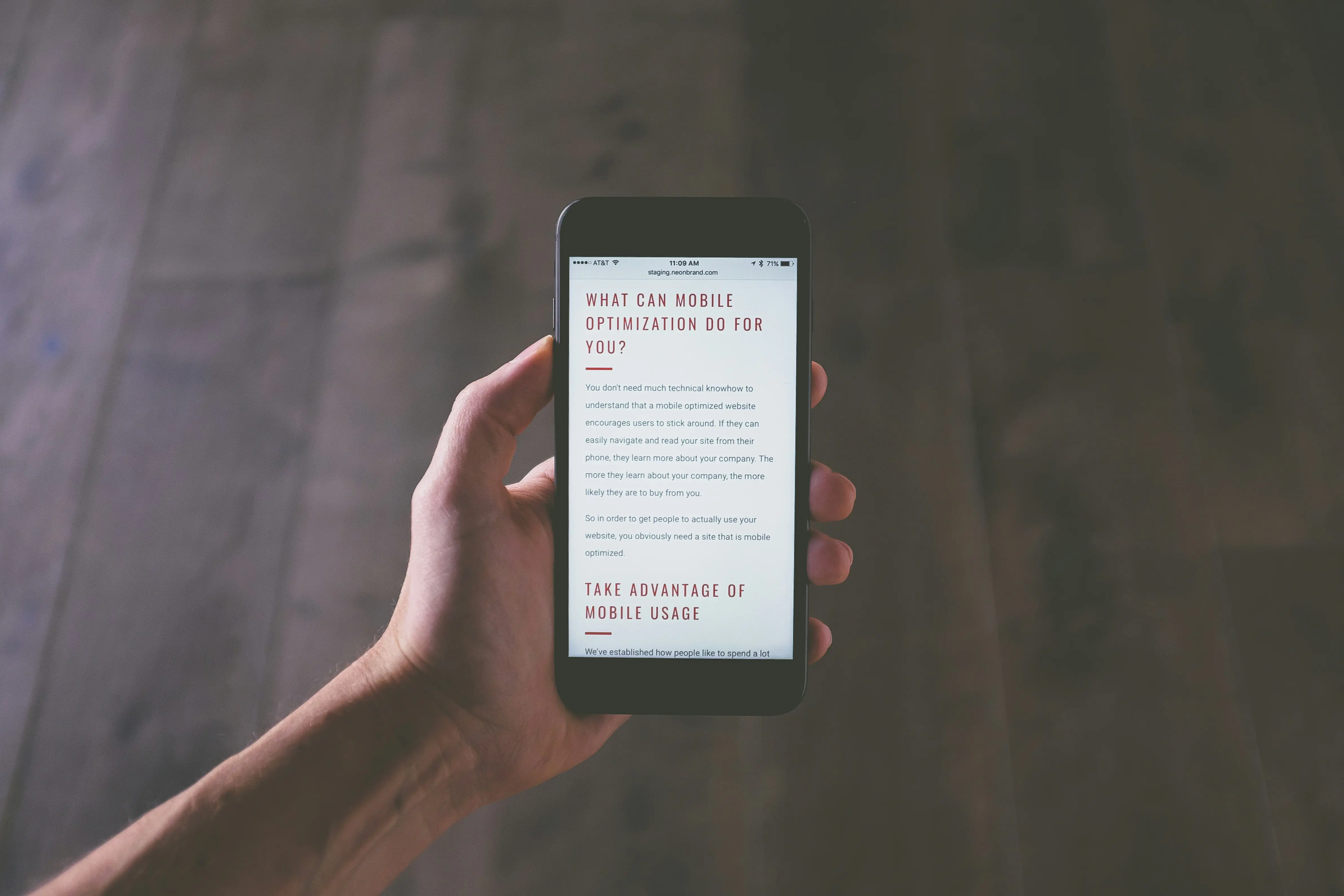
14. Check mobile layout
Many readers will open the page on a phone. Preview the article at a narrow width and check:
- text is readable without zooming;
- tables do not break the layout;
- buttons and links are easy to tap;
- images fit the screen;
- popups do not cover the main content.
A clean mobile experience helps both usability and engagement.
15. Check page speed and Core Web Vitals
Speed is not only an SEO task. It affects whether people stay long enough to use the page.
You can test a public page with PageSpeed Insights. The report can show lab tests and, when enough data exists, real-user Core Web Vitals.
Fix the largest problems first
Common improvements include compressing large images, reducing heavy scripts, using good caching, and avoiding layout shifts caused by elements that load without reserved space.
Do not chase a perfect score if the changes would hurt functionality. Focus on real user experience.
16. Make important content available without interaction barriers
Main article text should be easy to access. Do not hide key information behind unnecessary clicks, timers, or intrusive overlays.
Expandable FAQ sections can be fine when they improve layout, but the core answer should still be easy to find.
17. Check links before publishing
Open important internal and external links. Confirm that they lead to the page you intended and do not contain accidental tracking or staging URLs.
Also check that linked text makes sense without surrounding context.
18. Add author and site trust information
Readers should be able to understand who is behind the content. A clear author name, useful author bio, About page, Contact page, and relevant policy pages make a site easier to trust.
For topics involving money, health, law, or safety, source quality and author expertise become even more important. Do not present personal opinion as professional advice.
19. Check facts, dates, and brand names
Verify any number, product feature, policy, or statistic that can change. Link to the original source when a claim depends on it.
For example, if you describe a Google Search feature, check the current Google Search developer documentation instead of relying on an old blog post.
20. Add structured data only when it matches the content
Structured data can help search engines understand certain page types. Use it only when the visible page actually supports the markup.
Schema.org documents common schema vocabulary. Google also publishes guidance for the structured data types it supports in Search.
Do not add review ratings, FAQ markup, or other properties for content that is not genuinely present.
21. Set a helpful featured image
A featured image should match the article topic and work well when the page is shared. Use a clean image with enough resolution for the theme, a sensible file size, and descriptive alt text.
Avoid unrelated stock images that add no context. For a practical checklist article, a workspace, analytics interface, or editorial planning visual is more relevant than a generic handshake photo.
22. Preview the page as a reader
Do not judge the article only inside the WordPress editor. Open the preview and scan it from top to bottom.
Use a five-minute reader test
- Can you understand the article’s purpose in the first screen?
- Can you scan the H2 headings and understand the flow?
- Are long sections broken into manageable parts?
- Do images support nearby content?
- Does the conclusion tell the reader what to do next?
Fix anything that makes you hesitate.
23. Confirm indexing settings
A well-optimized page cannot appear in normal search results if it is accidentally set to noindex or blocked from crawling.
Check the post’s SEO settings and the site’s global visibility settings. On a new WordPress site, also confirm that the “Discourage search engines from indexing this site” option is not left on after development.
24. Submit and monitor the page after publishing
SEO work does not end when the post goes live. After publishing, make sure the page is included in your sitemap and can be discovered through internal links.
Use Google Search Console to monitor impressions, clicks, indexing, and queries over time. A page that begins receiving impressions for a related question may benefit from a clearer section that answers that question.
Real-world example: optimizing a small business guide
Imagine a local accounting firm writes a post titled “Tax Tips.” The article contains useful information, but the title is vague and the structure is one long block of text.
The team discovers that its intended reader is a new freelancer looking for a year-round record-keeping process. They narrow the topic to “Bookkeeping Checklist for Freelancers.” They then:
- rewrite the title around the real task;
- use a short URL;
- add H2 sections for monthly records, invoices, expenses, and year-end preparation;
- include a simple checklist;
- link to the relevant tax authority for official rules;
- add an original spreadsheet example image;
- compress images and check the mobile preview;
- write a clear meta description;
- verify that the page can be indexed.
The main improvement is not keyword repetition. It is a better match between the reader’s problem and the page.
Quick pre-publish on-page SEO checklist
- One clear search intent
- One primary keyword
- Accurate, useful title
- Short descriptive slug
- Single H1 through the WordPress title
- Logical H2 and H3 structure
- Direct answer near the beginning
- Complete, non-repetitive content
- Natural related terms
- Readable paragraphs
- Helpful internal links
- Relevant authority links
- Clear meta description
- Compressed images and accurate alt text
- Good mobile layout
- Reasonable page speed
- No intrusive content barriers
- Working links
- Author and trust information
- Verified facts
- Valid structured data where appropriate
- Relevant featured image
- Clean preview
- Correct indexing settings
Frequently asked questions
How many times should I use the primary keyword?
There is no useful fixed number. Use it where it helps identify the topic, such as the title, introduction, and an appropriate heading if natural. Then write normally. Clear coverage matters more than repetition.
Does every blog post need a meta description?
It is a good practice to write one because it gives search engines a strong suggested summary. Google may still display a different snippet based on the query.
Should I add an H1 inside the WordPress content?
Usually not if your theme already displays the post title as H1. Check the rendered page. One clear main heading is enough, followed by H2 and H3 sections.
Do longer articles rank better?
Length alone does not make a page better. A long article can be useful when the topic needs depth, but filler creates a worse experience. Cover the task fully and stop when the reader has what they need.
Conclusion
A strong on-page SEO process is mostly a quality-control process. Make the search intent clear, build the page around one useful task, organize it with logical headings, write for humans, link to helpful sources, optimize images, and check the page on mobile before publishing.
Use this checklist as a repeatable workflow rather than a one-time fix. When a post is live, watch real Search Console data and reader behavior. Update sections when questions change, links become outdated, or the page can provide a clearer answer. Small, consistent improvements are more useful than chasing shortcuts.